Which industrial PC should I choose for a vision machine?
Requirements from the field
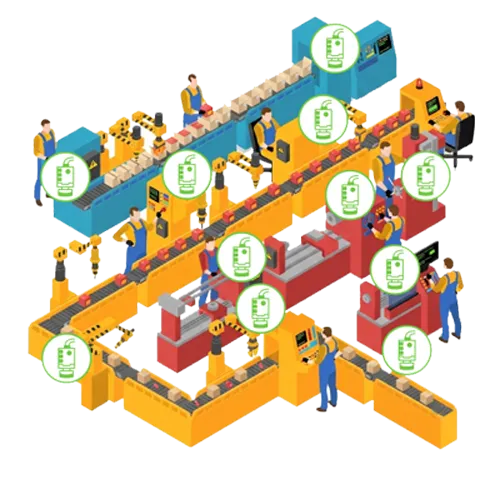
Size the complete chain, from sensor to decision
A vision application requires a continuity of performance. Acquisition rate, memory copy, preprocessing, inference, decision, and machine control must fit within the same time budget.
That is why we start from your cameras, your cadence, and your software before defining the CPU, GPU, connections, and format of the PC.
01
Image stream
Cameras, resolution, frame rate, color depth
02

Cycle Time
Maximum latency, synchronization, and triggering
03

Treatment
Classic vision, 3D, AI, training or inference
04

Terrain
Temperature, dust, vibrations, and clutter
5 points to validate for choosing the right chassis
Each criterion influences the others. An additional camera can change the network, storage, computing power, and thermal dissipation.
Camera interfaces and bandwidth
GigE Vision, USB3 Vision, Camera Link, CoaXPress, PoE, GMSL or FAKRA: the interface determines the data rate, cable length, synchronization capabilities and, in some cases, the need for a dedicated frame grabber.
CPU, GPU and algorithm requirements
The CPU remains essential for orchestration and sequential processing. A GPU becomes relevant for deep learning, 3D processing, parallel data streams or when inference time is critical.
Real-time I/O and synchronization
The PC must communicate with lighting systems, encoders, sensors and PLCs. Isolated GPIO, serial interfaces, CAN or industrial networks make it possible to trigger, timestamp and process each capture at precisely the right moment.
Mechanical and thermal architecture
A fanless design reduces maintenance requirements and dust ingress, while tower or rack-mounted systems support more PCIe cards and provide greater heat dissipation. The actual ambient temperature remains the starting point.
Long-term availability and maintenance
Component availability, operating system stability, storage accessibility, GPU replacement and configuration reproducibility help secure series deployments and ensure reliable operation over many years.
Frame dimension
4 architectures, a choice always guided by use
There is no universal "best vision PC." The right format is one that reserves the necessary power, interfaces, and room for useful evolution – without unnecessary overkill.
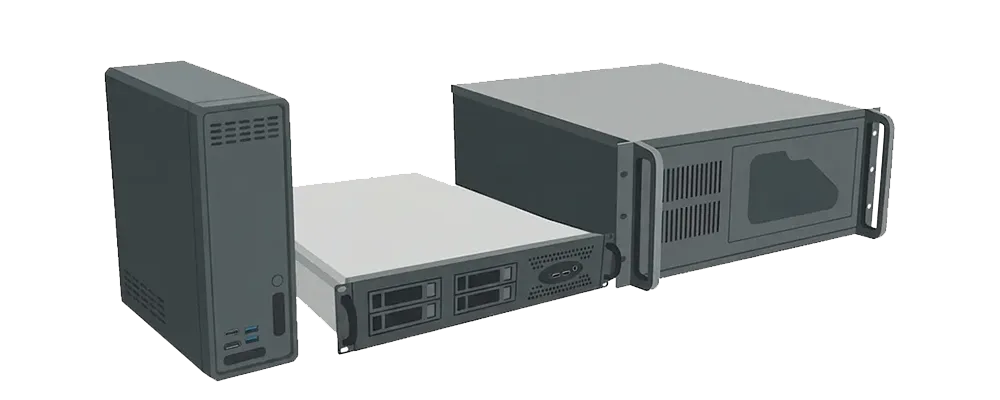
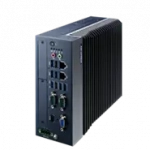
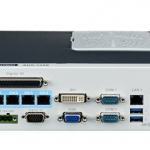
Fanless CPU
Deterministic processing, low maintenance and installation as close as possible to the machine.
Fanless + GPU
NVIDIA GPU in PCIe or MXM format when the algorithm requires hardware acceleration.
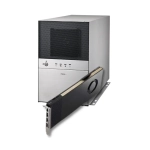
Tower / Shoebox
The right balance between compactness and expansion for frame grabbers, I/O, networking or GPUs.
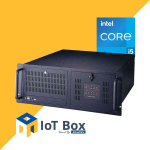
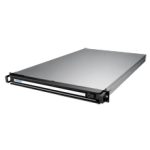
2U / 4U Rackmount
Multiple PCIe slots, controlled cooling and easy access in a rack or industrial cabinet.

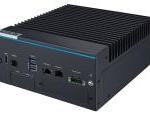
MIC-711-OX3A1
AI Inference Fanless PC Based on NVIDIA Jetson Orin NX with 8 GB LPDDR5 and 128GB NVMe

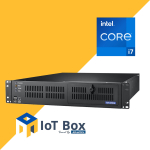
IOT-BOX-AI7130787-700W
Tower / Shoebox Edge AI platform with Intel Core 10th gen and GPU 700W PSU

With or without a graphics card?
A GPU is only necessary if it creates a measurable advantage
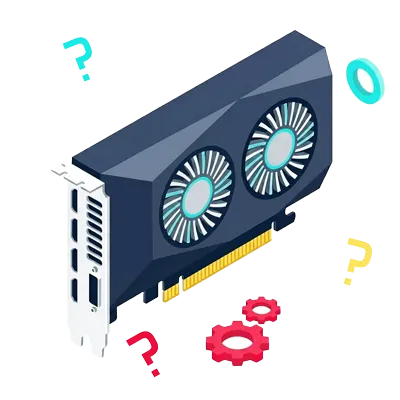
A graphics card is not an automatic prerequisite.
For a well-optimized conventional inspection, a recent Intel Core processor may be the most economical and simplest solution. There are 4 formats of GPUs usable today in the industrial vision sector:
- Graphics card or GPU on PCIe port (standard graphics card) - Very high performance
- MXM format GPU (Dedicated chip for compact fanless PCs) - High performance
- AI accelerators (Dedicated chip for small AI computations) - Low performance
- Nvidia Jetson GPU (Dedicated chip for local AI) - Medium performance
CPU preferred
- Sequential algorithms
- Conventional preprocessing
- Limited thermal budget
GPU recommended
- Deep learning and inference
- 3D and massively parallel computing
- Multiple high-resolution streams
Discover the content written by the industrial vision experts at Integral System directly on our blog
Your project is our starting point
Do you know your cameras, your setup, and the requirements related to the production rate of your activity?
We size the ideal vision PC to optimize your productivity!