

How to choose the right industrial PC?
In the face of the diversity of models, it can be complex to choose the right industrial PC. Intended for data analysis and acquisition, it is also used for monitoring production processes. It can also be found as a server for a SCADA system.
Address your issues regarding remote access to your machines, your M2M (Machine to Machine) connections, your SCADA/HMI monitoring solutions, and your automation platforms like API, PLC, PC Softlogic, ...
It allows you to benefit from the best performances and provides access to a stable working environment. For optimal professional use, discover in the following what the main criteria are for choosing a rugged computer suited to your needs.
For over 20 years, our experts have supported and advised you on creating and assembling the best configuration for industrial PCs.
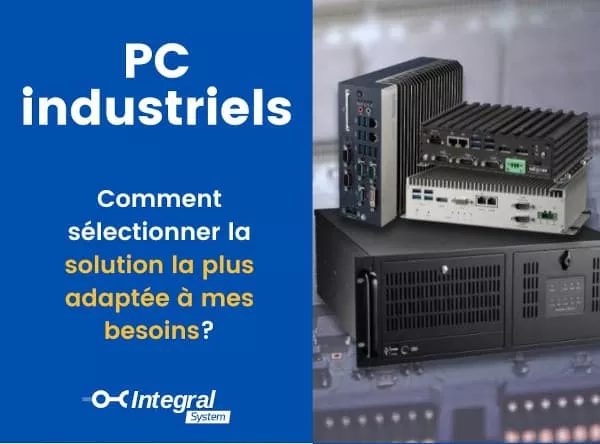
A simple and detailed tutorial!
What is an industrial PC?
It is only logical that the product called industrial PC specifically addresses the needs of professionals working in industrial environments. Unlike a classic PC, this type of computer is valued for its power, robustness, and reliability.
In the era of the 4th industrial revolution also known as industry 4.0, industrial computers are used to assist professionals in many tasks. Indeed, industrial PCs or IPC for Industrial Personal Computer are the essential asset for:
- Automating the production chain;
- Improving production tracking;
- Reducing the strain of work;
- Accelerating business growth
- Limiting the risk of error;
- Facilitating data acquisition;
- Etc.
Even if it can be represented under different references, it is often accompanied by a similarly rugged screen to ensure professional display.

Some examples of types of industrial PCs
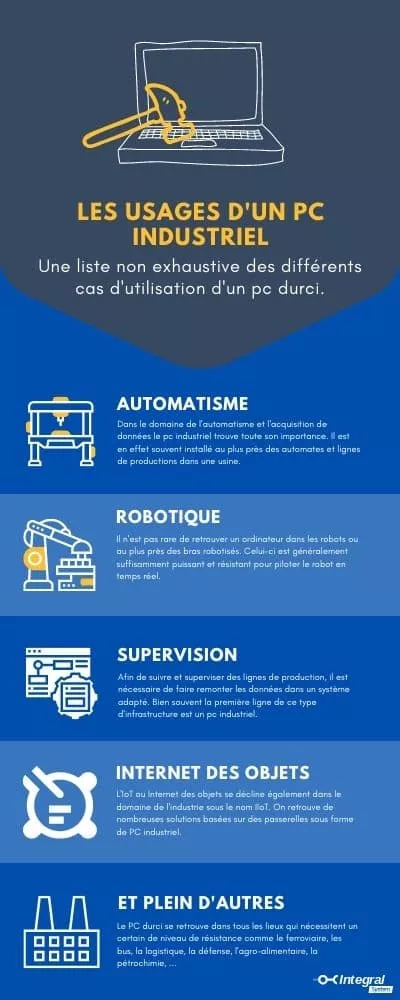
Industrial computers are useful for accelerating the processing of large volumes of data (Big Data), for image processing and vision processes, controls on the production line, data collection, etc.
Reliable and high-performance equipment, IPCs ensure an excellent level of productivity and security. Furthermore, their excellent reparability makes maintenance tasks convenient. An industrial PC can serve in the fields of:
- Automation ;
- Industrial vision ;
- Robotics ;
- Rail or maritime management ;
- Video surveillance ;
- Internet of Things (IoT) ;
- Virtualization ;
- Etc.
Now that we know what this type of computer is used for, let's see what the differences are between an industrial PC and a standard PC.
If you wish, you can also find our article on our blog dedicated to differences between rugged PCs and consumer PCs.
Our teams can assist you in selecting the best IT solution for your needs, based on your profession.
This range of rugged and professional computers is often found close to production lines or machine tools. Often, these devices are directly integrated within the enclosures. This is why it's relevant to select a hardened PC that will use a chassis and components suited to its environment.
Thus, we tend to favor fanless PCs in dusty environments, for example, towers for offices, and racks in data centers.
Integral System has been an expert for over 23 years in industrial PC assembly. We work with the best manufacturers of industrial computer hardware in the world.
Discover our setup to find the best industrial PC suited to your needs
What are the main characteristics of an industrial computer?
Discover the main features of a PC designed for intensive professional video use.
As part of applied research, for military purposes or to work on-site (mining industry, construction, transport, factories, etc.), industrial computers are capable of operating in hostile environments. That’s why they are also called rugged industrial PCs.
While at first glance the industrial computer shares some slight similarities with the consumer PC, their designs remain diametrically opposed. Under the hood, here are the key characteristics that allow you to differentiate an industrial PC from a standard computer :
A high and low temperature operation
To work in a hostile environment, the industrial PC is your constant ally. It is capable of operating at a maximum temperature of 85°C, compared to only 35 to 45 ° for an ordinary PC. It should be noted that the most powerful models can operate from 0 to -70°C
Moisture and Water Resistance
Water splashes can cause short circuits, component corrosion, or malfunctions. To prevent this, the industrial PC is capable of withstanding high humidity levels. Similarly, they are immune to liquid splashes (hydrocarbons, oils, water, etc.)
Dustproof
Industrial computers benefit from a design that protects them from dust infiltration. Between processor overheating, malfunctions, and slowdowns, the accumulation of dust can shorten the lifespan of the industrial PC. To effectively protect machines from dust, there is even a range of fanless industrial computers, also known as fanless PCs
Modularity for scalable computers
A consumer PC offers very few options in terms of modularity. On the other hand, the industrial computer is designed to adapt to the constraints of professions across various sectors of activity. Thanks to the expansion slots and expansion ports, it is easy to add storage, cards (graphics, sound, network, etc.) or additional RAM.
A robust design to withstand shocks
Rugged industrial PCs are used in hostile environments. To reduce the risks of dislocation and deterioration of components, industrial computers benefit from excellent mechanical isolation. This last protects the components against shocks and vibrations
A significantly longer lifespan
While a standard PC needs to be replaced after 3 or 4 years, an industrial computer can be operational for an average of 7 years. Its excellent durability is advantageous for cost amortization.
A power supply block to solve electrical voltage issues
Industrial power supplies for PCs are valued for their high reliability. Indeed, some models benefit from a mean time between failures (MTBF) that ranges between 100,000 and 130,000 hours.
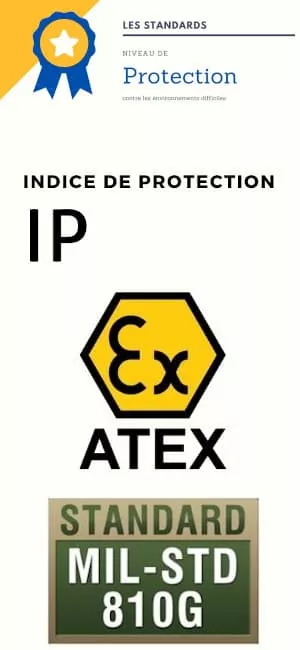
Protection Standards and Ratings for Industrial PCs
Industrial computers are specially designed to perform computing tasks in constrained environments. This means that industrial PCs are capable of operating under extreme conditions of temperature, humidity, and in very dusty environments.
The protection index (IP): to properly choose your industrial computer, you need to pay attention to its protection index (IPXX). The first digit of the index represents the protection against the intrusion of solid bodies, which ranges from 0 to 6. The second digit of the index, which ranges from 0 to 9, corresponds to the level of protection against liquids. Industrial PCs are generally certified IP65, IP66, IP67, IP68, IP69, or IP69K.
ATEX standards: ATEX PCs are certified to operate in explosive atmosphere zones. They guarantee secure usage in the presence of gas, hydrocarbons, or explosive chemical substances.
MIL-STD-810: This is a set of standards that ensures that a piece of equipment meets the specifications of the American military. This certification places a particular emphasis on resistance to ballistic shocks, thermal shocks, drops, vibrations, etc. Industrial PCs MIL-STD-810G/F/H are therefore valued for their increased robustness and high reliability.
What operating systems for industrial PCs?
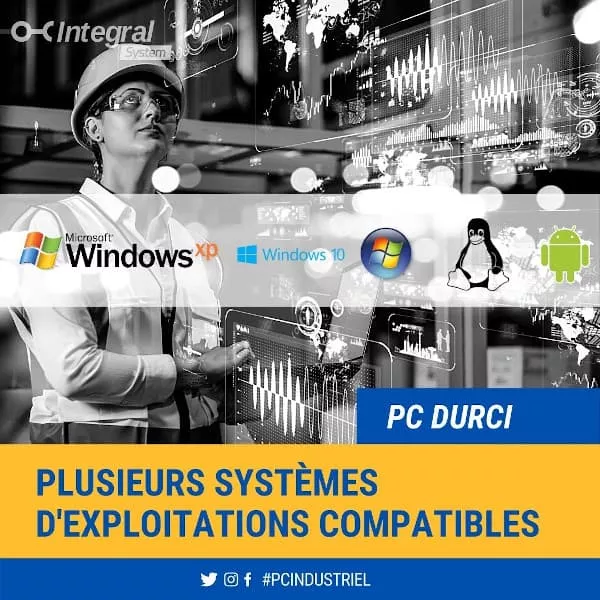
Hardened industrial computers are compatible with various operating systems or OS (Operating System in English). Indeed, IPCs can run on Windows (Windows XP, Windows 7, Windows Vista, Windows 8, Windows 10, Windows IoT, Windows 11, Windows Server, etc.), VMware ESX (for industrial servers), GNU/Linux (Slax, Debian, RedHat, Ubuntu, CentOS, Yocto, etc.).
Designed to improve productivity and mobility, industrial touch tablets can also run the Windows or Android operating system. Inventory management, data collection, plan verification on a construction site, etc., rugged tablets serve many purposes.
What format to choose for your industrial PC?
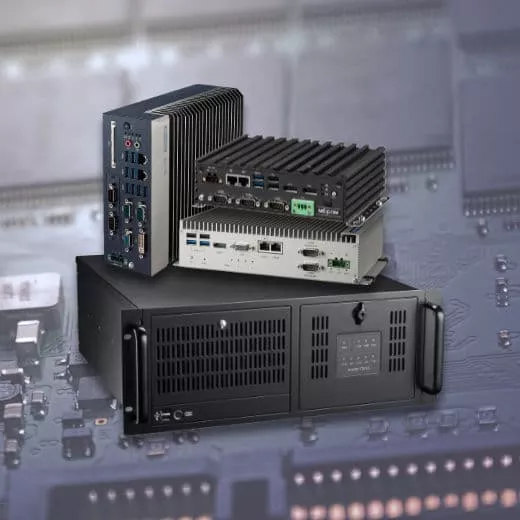
There are several types of industrial PCs that come in various formats. For purchasing your professional computer, the ideal choice is to opt for a model suited to its installation location. Here are the main formats of industrial computers:
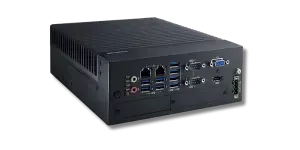
- Compact PCs or mini-PCs or Fanless PCs: as their name suggests, these space-saving computers can be installed in small areas. They are generally fanless industrial PCs (without ventilation), used for cabinet mounting or to be placed on a desk;
- The tower format industrial PC: also called a shoebox PC, this format is designed for minimal floor space. It resembles a desktop PC and is installed in laboratories, workshops, or research offices;
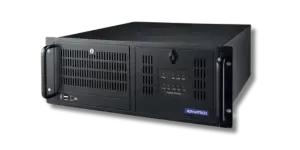
- The rack-mounted industrial computer: there is a wide range of industrial PCs designed to be installed in racks or in 19-inch server cabinets. From 1U rack PCs to 4U 19" racks, you can choose your computer according to various chassis.
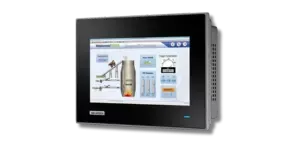
- The Panel PC or tablet PC: this industrial PC comes with a touch screen monitor, allowing for easy handling. This tablet-PC can be on a wall mount, mounted in Vesa or even on a Din Rail.
In 2021, the Box format is very popular. It can easily be installed within a machine, in a cabinet, at the Edge, or even as close to the production as possible.
What technical features to consider when choosing your industrial PC?
Just like consumer PCs, industrial computers are available in a wide range of models. To make a good choice for your industrial PC, it is recommended to base your decision on these main technical characteristics:
Processor type
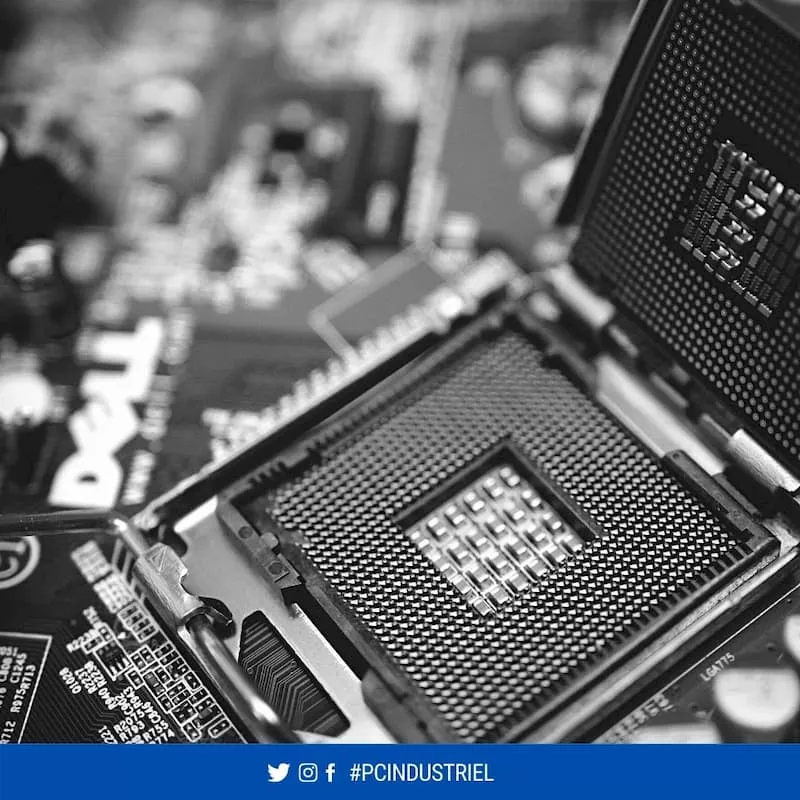
The choice of the processor or CPU (Central Processing Unit) is a crucial criterion for acquiring your industrial computer. This computing unit is responsible for executing computer programs. The more powerful the processor, the faster and more efficient the PC.
Intel and AMD are the main manufacturers of processors for industrial PCs. Here are some models of CPUs found in industrial computers:
- Intel processors: Intel Pentium, Celeron, ATOM, Intel Core i3, Intel Core i5, Intel Core i7, Intel Core i9, Intel Xeon, etc.
- AMD processors: AMD Geode, AMD Sempron, AMD T40E, AMD Ryzen (Quad Core), AMD EPYC, etc.
- ARM processors: ARM Cortex, NXP ARM® Cortex, ARM Cortex A7, Cortex A53, Cortex A57, Cortex A78, etc.
The number of physical cores, threads (logical processors), operating frequency (expressed in GHz), cache memory, architecture, instruction set (x86, 64-bit, PowerPC, ARM, etc.), etc., are many factors that help determine the power of a processor to properly choose your industrial PC. Also, the generation of the CPU is important. Today, Integral System can still provide 3rd generation and beyond.
The capacity of RAM (Random Access Memory)
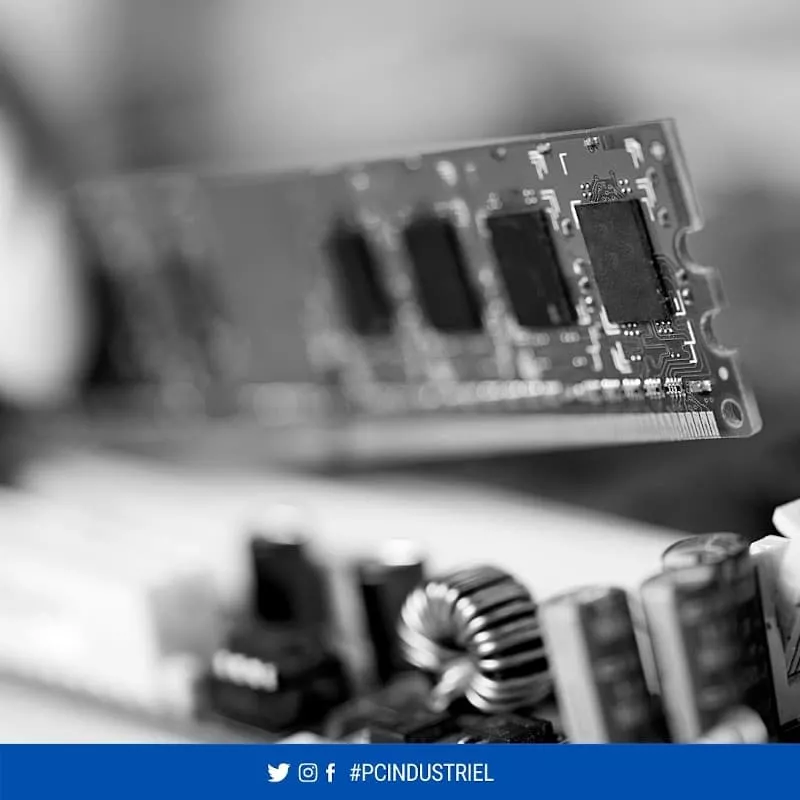
Random Access Memory (RAM) is the bridge between the processor and the internal storage (ROM). RAM allows for temporary storage of data that will later be used by different instances of the operating system.
The more RAM there is, the faster the PC can be. When purchasing your industrial PC, it is possible to choose a model whose RAM generally varies between 2 and 128 GB. Nowadays, PCs for artificial intelligence can even support several TB of RAM.
Servers, just like AI solutions, can contain several TB of RAM.
Option: The GPU for Artificial Intelligence
The GPU is a computing component that allows for the processing of data and images. It is used for artificial intelligence (AI) and speech recognition. The GPU is also used for visualizing complex data and processing large datasets.
Today, the market leader is NVIDIA, which offers a whole range with different formats:
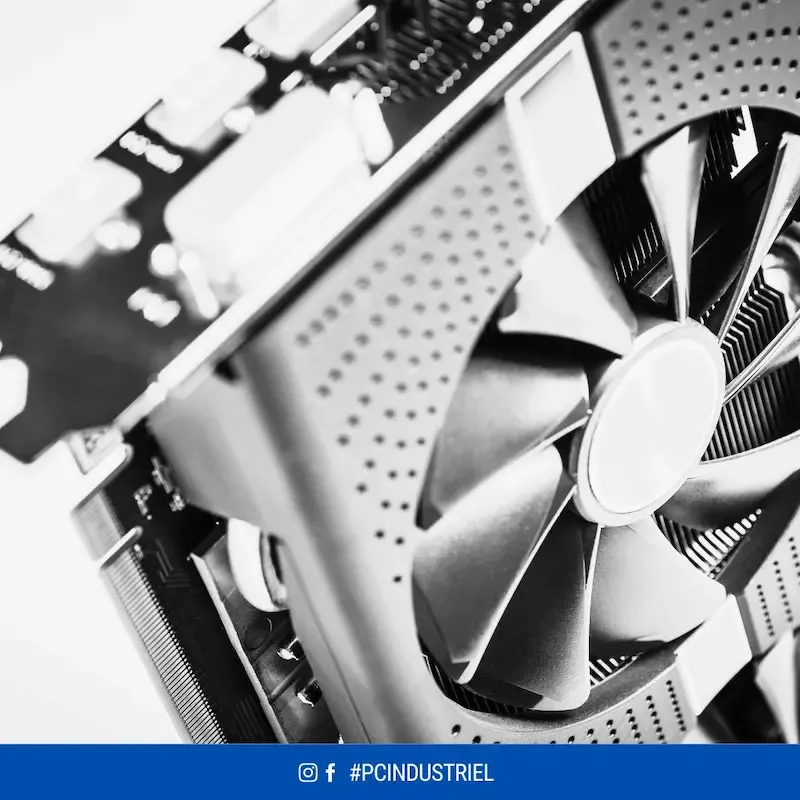
- Graphics card: Whether it’s GeForce, Quadro, Tesla, RTX, Titan, etc., these GPUs are designed for graphical or AI uses. To accommodate this type of format on PCIe (PCI Express), it is necessary to use a rackable PC, server format, tower format, or some fanless PCs with associated expansion modules.
- Integrated Jetson system: Whether it's NVIDIA Jetson Nano, Jetson Orin, Jetson Xavier, Jetson AGX, or Nova Orin, several options are available. They can be found integrated into fanless PCs. This solution is perfect for doing AI at the edge or AI inference.
- MXM format graphics card: A new compact format that allows for integration into industrial computers for Edge Computing or inference..
- NPU, LPU, or other AI accelerators.
If you wish to do AI in the industrial sector, selecting the right GPU is essential. Feel free to contact us to learn more.
The type and storage capacity (ROM)
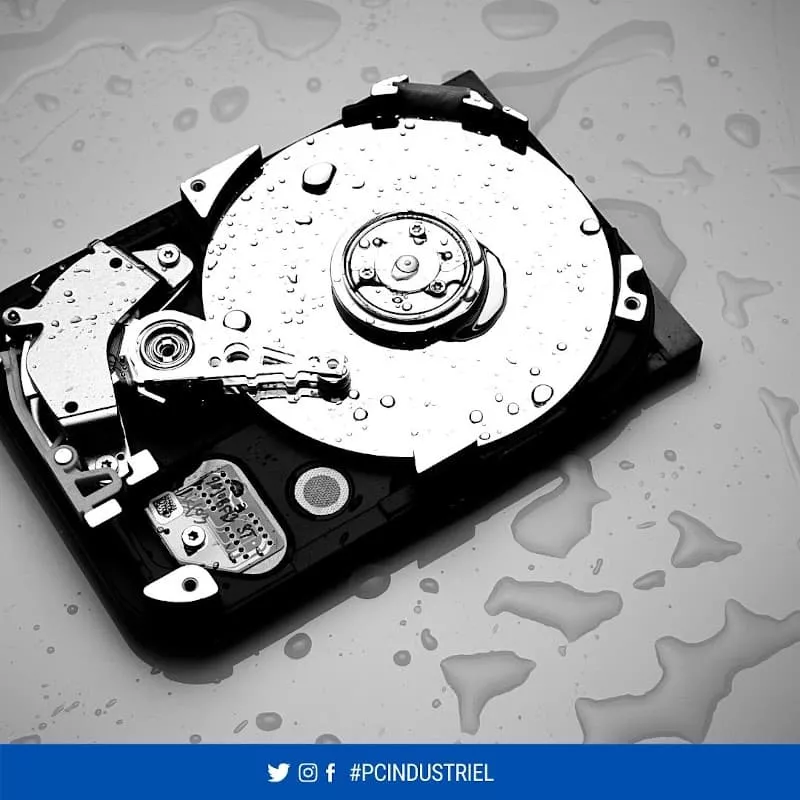
There are primarily 3 storage technologies for industrial PCs, which are hard drives in English HDD (Hard Disk Drive), solid-state drives SSD, and NVMe (non-volatile memory express).
The HDD are certainly cheaper, but more fragile. Indeed, the magnetic platters and recording heads that comprise them can quickly deteriorate due to repeated shocks, vibrations, or temperature variations.
The SSD benefits from an excellent lifespan, is more reliable, but remains more expensive. This flash memory storage solution is significantly faster than HDDs. With an access time ranging between 0.05 and 0.1 milliseconds, SSDs boast a transfer speed of over 550 MB/s.
The NVMe format whether M.2 or PCIe is the most performant to date. It is an optimal choice for environments where speed, low latency, and high data processing capacity are crucial.
- When to use HDDs:
- To achieve savings;
- To enjoy large storage capacity;
- To store data other than system files.
- The advantages of SSDs:
- Less bulky;
- Quiet;
- More energy-efficient;
- Speed up file access and application launching.
- The advantages of NVMe storage:
- Speed up to 7GB/s and beyond;
- Very low latency;
- More energy-efficient;
- Parallel accesses and queues.
The format of the industrial motherboard
Industrial motherboards are designed for heavy use in severe environments. They are significantly more resistant than standard models. In fact, they can operate at extreme temperatures and in very humid industrial settings.
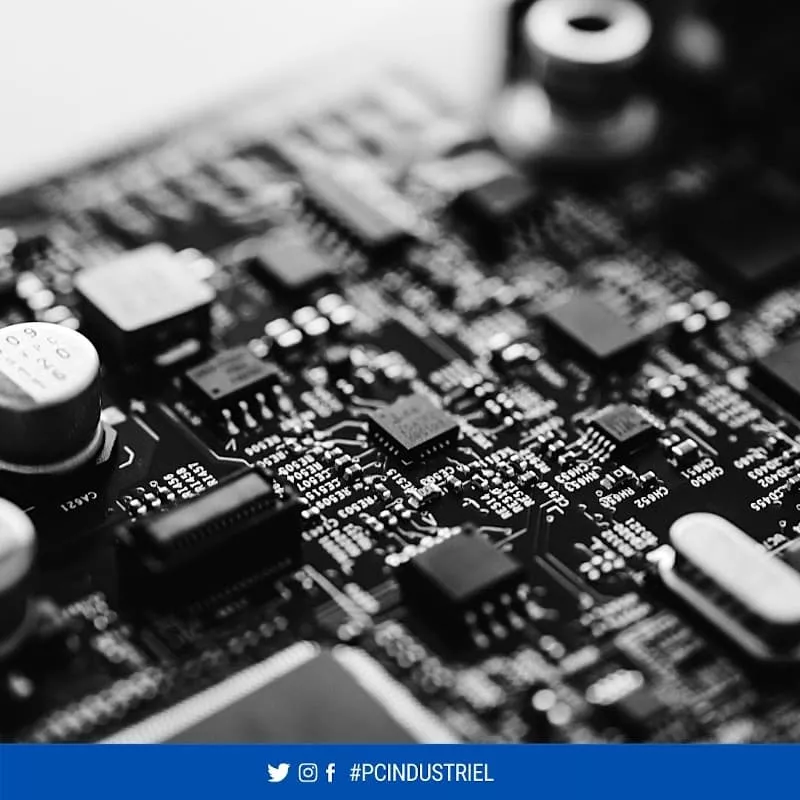
The motherboard is a printed circuit board that receives all the components of the computer, including the processor (Intel Atom, Intel Core Duo, Intel Core i9, etc.), RAM, connectivity, and expansion slots, etc. Lastly, be aware that there are different motherboard formats (ATX, micro-ATX, BTX, mini ITX, etc.).
The connectivity and available slots (extensions)
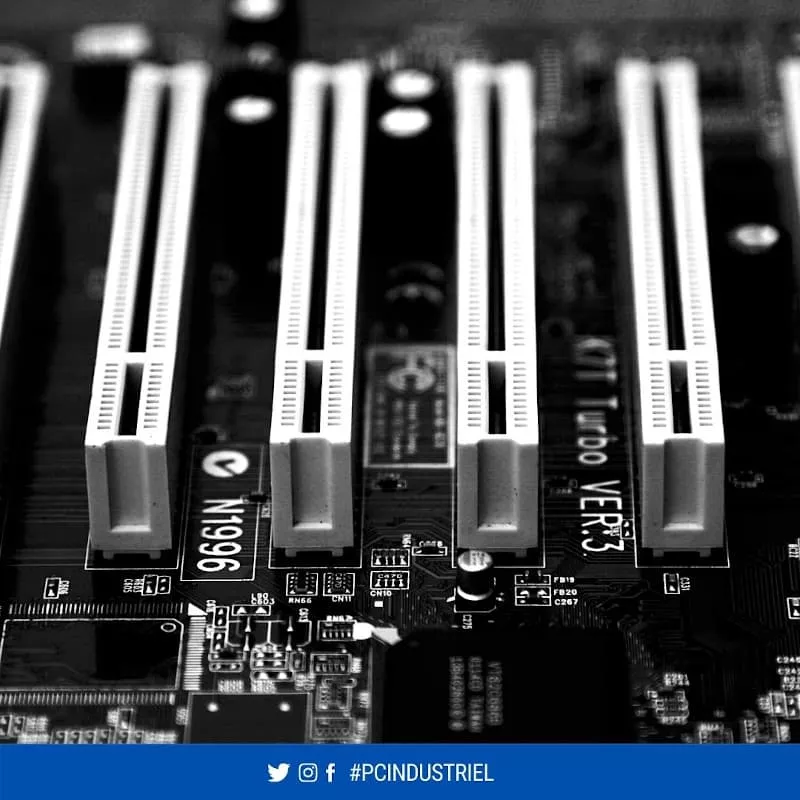
While desktop PCs offer very few communication interfaces, industrial PCs benefit from greater flexibility. For all your industrial applications, it is possible to use RS-232, USB (2.0, 3.0, 3.1, 3.2), Thunderbolt, USB type-C, HDMI, DVI, VGA, Display Port, etc.
The installation of additional cards allows you to expand the capabilities of the computer. By using extension connectors (ISA, PCI, PCI Express, mPCIe AGP, etc., etc.), one can very easily install an expansion card. Wi-Fi, Bluetooth, or Ethernet (RJ45) connectivity then completes the picture.
The fastening options
Embedded industrial PCs, mountable on an arm, installable on a stand, panel PCs compatible with the VESA standard, etc., in industrial environments, the mounting options are numerous. All that remains is to choose one that aligns with your needs and adapts to the uses of your profession.
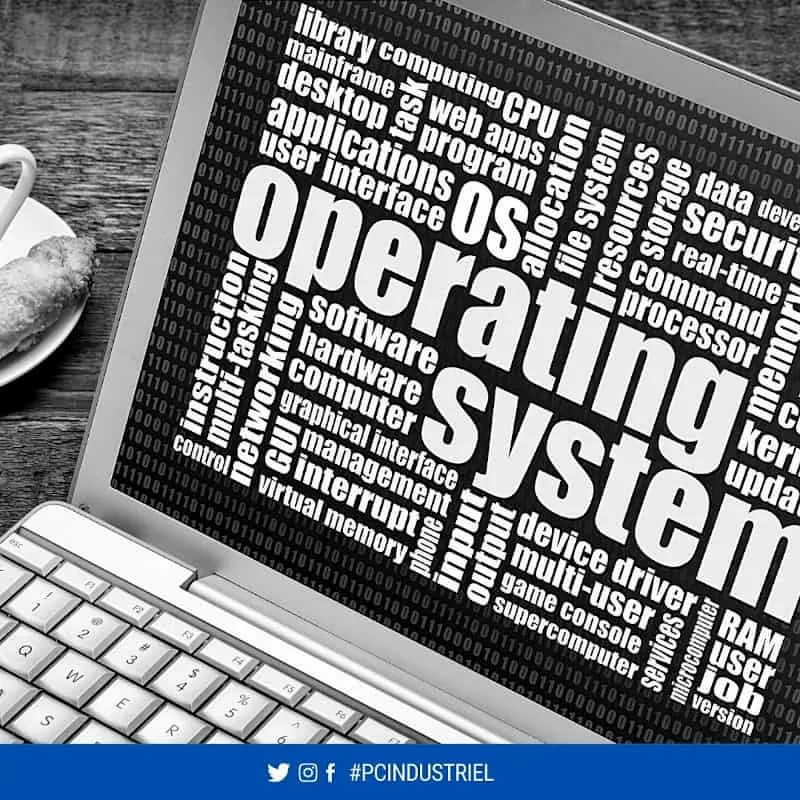
Operating System Choice
As we have seen above, industrial PCs are compatible with many operating systems. All you have to do is choose the one that allows you to fully utilize your industrial applications. While Windows is favored for the wide range of available software, GNU/Linux distributions guarantee stability, security, and fluidity.
Current versions of operating systems available for the industrial sector :
- Windows XP (end of life, We still have a few licenses)
- Windows 7 (end of life, We still have a few licenses)
- Windows 10 Pro (End of life), We still have Pro version
- Windows 10 IoT Enterprise or LTSC, Stable and sustained version
- Windows 11 Pro
- Windows 11 IoT Enterprise or LTSC, Stable and sustained version
- Linux: Ubuntu, Yocto, RedHat, Debian, OpenSUSE, ... are still available today
I create my own setup
Do not hesitate to find all our rugged PCs to select the best one, or contact us directly so that our technical teams can help you select the best.