

How to choose the right industrial Web Panel for your application?
To choose an industrial Web Panel, check its compatibility with your web application, the screen size and resolution, performance, and installation conditions. WACHENDORFF Web Panels under Android and Advantech terminals under Linux are among the leading solutions on the market. The right choice also depends on touch, network, and software sustainability.
A trial on your actual application is necessary before validating a reference.
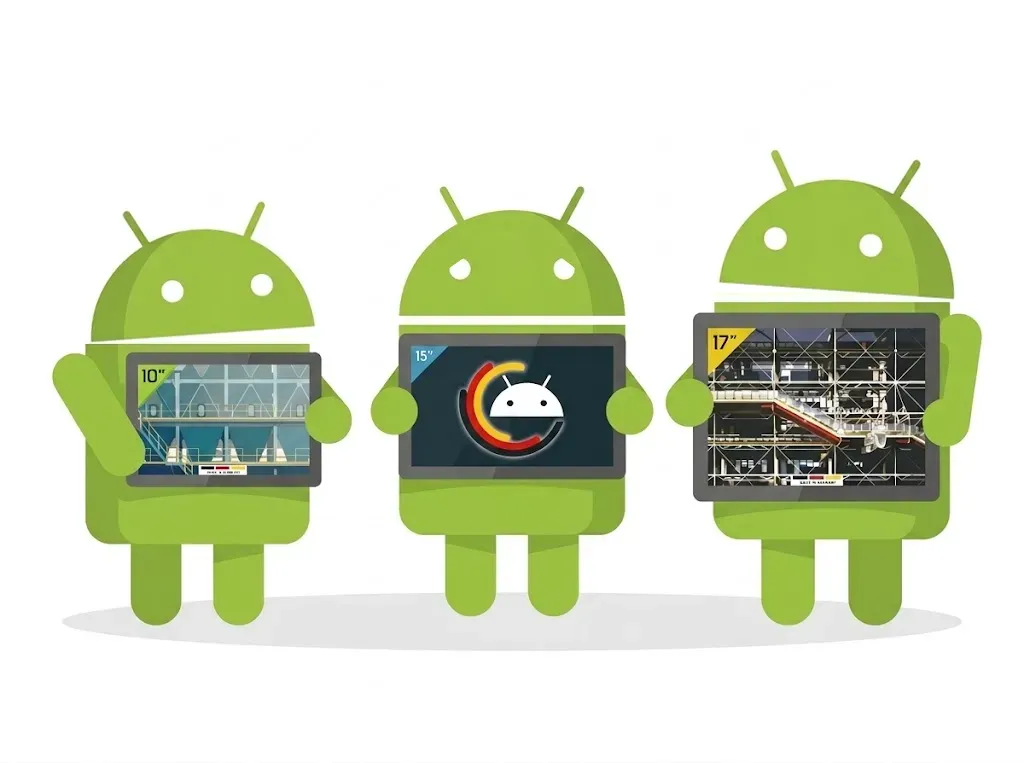
What is a Web Panel, a web HMI, or an operator panel?
A Web Panel is a computer terminal equipped with a screen and an integrated browser. It displays the interface of a web application hosted on a PLC, a gateway, or a server. Equipped with a touch screen, the operator can view information and act on the commands provided by the application.
In the field, it serves as a human-machine interface, or HMI. It can also be referred to as an operator panel or operator terminal. "Web Panel" specifies that the interface is displayed in a browser.
- In industry, it can be used to view alarms, monitor temperatures, enter a setpoint, display the status of motors, or track production.
- In logistics, it can present preparation orders and work instructions.
- For energy management, it can display electricity consumption and dashboards.
When to choose a Web Panel, a Panel PC or a classic HMI?
| Your need | Solution to consider | Key features |
|---|---|---|
| Display a web interface already available on a PLC or server | Web Panel | Browser compatibility, application responsiveness, and competitive pricing |
| Run Windows or Linux software locally, with specific drivers | Panel PC | Operating system, performance, and required resources (processor, RAM, storage,...) |
| Create an interface with a dedicated HMI environment and its PLC drivers | HMI with its development software | Protocols, licenses, and functions |
| Add a screen to an existing computer | Industrial monitor, touch-enabled if necessary | Video interfaces, touch connection, and wiring distances |
What criteria to check when choosing your Web Panel?

Type of touch interface?
Specify whether the operators work with bare hands, with thin gloves, or with protective gloves. The choice between different touch technologies depends on these conditions, the expected precision, and the necessary gestures.
A capacitive panel can allow multitouch, but its operation with your gloves must be validated. Humidity and splashes can also alter its behavior. Plan a test with the equipment actually used and check the manufacturer's cleaning instructions.
To limit handling errors, also adapt the interface: spaced commands, clearly identified states, and confirmation for actions that require it.
- Projected capacitive touch (PCAP): versatile and very ergonomic for "bare hands" use in normal conditions
- Resistive touch: essential if your operators handle the screen with gloves or in humid and/or dusty environments
- Non-touch: perfect for pure consultation use
Good to know: The WACHENDORFF Web Panels are available in capacitive and resistive touch. It is one of the only brands in the world to offer it.

Waterproofness and robustness
The temperature (minimum and maximum) to consider is that of the environment around the terminal in operation, especially if the central unit part is inside a cabinet.
Also check the dust or liquid projection constraints to define the IP rating. An IP rating announced only for the front does not describe the protection of the entire device. Compliance with mounting conditions, any gasket, and the cutout contributes to the protection of the installation.
If the equipment is intended for outdoor use, it is important to prioritize solutions with extended temperatures and high brightness.
Good to know: All WACHENDORFF Web Panels are IP65 waterproof on the front side.

The size, resolution, and readability of the screen
Choose the diagonal according to the usage distance and the amount of information to display. Generally, Web Panels have a diagonal between 7" and 21.5".
A small terminal like a 7" Web Panel may be suitable for a machine with a few commands. However, supervision involving multiple curves and alarm zones requires more space.
The resolution must be consistent with the initial design of the interface. Full HD (1920 x 1080px) allows for more detail, but texts and buttons must remain comfortably sized. Also check the scaling: an interface designed for a large screen does not automatically become suitable for a more compact format.
Whenever possible, place the terminal in its real environment to assess reflections, viewing angle, and brightness. An installation near a window or outdoors does not present the same constraints as a station in a closed workshop.
Good to know: WACHENDORFF Web Panel PCs are available from 10" to 21".

Assembly and connectivity
For a flush mount, check the cutout dimensions, depth, and access to connectors. For an arm or wall mount, verify the VESA mounting and supported load. Finally, confirm the power supply voltage, available power, and necessary accessories.
For a fixed station, prioritize an Ethernet connection. If Wi-Fi is necessary, check the coverage at the actual location, including with the machine and cabinet doors in their usual position.
The presence of a USB port does not guarantee that a peripheral will be usable by your application. A barcode reader behaving like a keyboard does not have the same requirements as equipment needing a specific driver. Test the whole setup: peripheral, system, browser, and application.
Good to know: WACHENDORFF Panel PCs are all flush-mounted, VESA and come with Wi-Fi and Ethernet by default.

Browser compatibility with your application
The HTML5 mention is an initial reference for industrial applications, but it does not guarantee that all the functions of your supervision will be usable. Identify the provided browser, its version, and the requirements of your software.
Check in particular authentication, HTTPS certificates, graphics, dialog windows, virtual keyboard and real-time data exchanges.
The test under conditions consists of opening your application in its delivery configuration. A correct display on your desktop computer does not yet validate the operation on the panel.
Good to know: The Web Panel Android WACHENDORFF come with an application that allows you to easily configure a Kiosk mode via the up-to-date Chrome browser.
Check out our selection!
WACHENDORFF notably offers the WPC002 series, with sizes from 10.1 to 23.8 inches and Android configurations with AutomationBrowser.
This family should be considered if your project includes Android and an industrial browser. Confirm the system version, configuration possibilities, and software support for the selected reference. The potential installation of an Android application must also be validated with its dependencies

WPC002-101NAT
10.1" WebPanel WPC002-101NAT
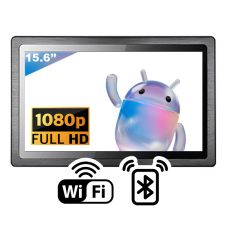
WPC002-156NAT
15.6" WebPanel WPC002-156NAT
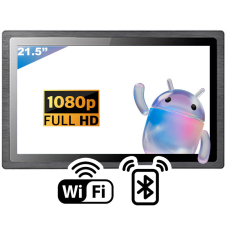
WPC002-215NAT
21.5" WebPanel WPC002-215NAT
WPC002-150NAT
15.0" WebPanel WPC002-150NAT
WPC002-104NAT
10.4" WebPanel WPC002-104NAT
WPC002-101NAT
10.1" WebPanel WPC002-101NAT
The Advantech TPC-100W series includes Web Panels in 7, 10.1, 15.6, and 21.5 inches. They are equipped with Linux Yocto and an integrated Chromium browser.
This family should be considered if your project is compatible with Chrome or Chromium. Linux Yocto does not mean that all Linux PC software can be installed directly: the architecture, dependencies, and provided tools remain crucial.

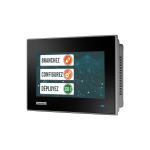
TPC-107W-N32YB
7" Touch Panel Computer with ARM Cortex™-A53 Processor
![Product [Yocto] 10.1" Touch Panel Computer with ARM Cortex™-A53 Processor Image](https://www.integral-system.fr/media/cache/is_sylius_shop_product_main_box/82/0d/7ae41da3f3b7a1fc75bdf6ac4433.jpg)
![Product [Yocto/Android] 15.6" Touch Panel Computer with ARM Cortex™-A53 Processor Image](https://www.integral-system.fr/media/cache/is_sylius_shop_product_main_box/a9/1f/08b74c82ffd1b911795d87b44c5e.jpg)
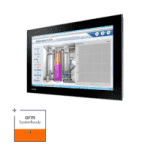
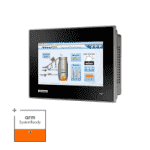
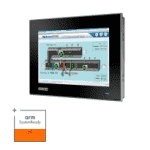
TPC-107WX-N32YA
Yocto 4.0 7" High Brightness Touch Panel Computer with ARM Cortex™-A53 Processor -30~70°C
5 questions for an initial selection
These questions help you describe your application and installation in order to identify the configurations to study. These are the 5 essential questions to ask yourself!
Which application do you want to display?
Examples of answers:
- The web interface of a PLC.
- A supervision or dashboard hosted on a local server.
- A web application accessible over the Internet.
- Software that must be installed directly on the terminal.
- I don't know yet.
Where and how will the terminal be installed?
Examples of answers:
- Panel-mounted in a machine or cabinet.
- On an arm, a stand, or a VESA mount.
- On a wall or console to be defined.
- Replacing an existing terminal.
- I would like some advice.
What display and viewing distance do you expect?
Examples of answers:
- A compact screen, used up close for a few commands.
- An intermediate screen for a machine interface.
- A large screen for multiple curves or a detailed mimic diagram.
- A size dictated by the existing installation.
- I would like some advice.
What are the usage constraints?
Examples of answers (multiple possible):
- Use with gloves.
- Dust or water splashes.
- Regular cleaning with specific products.
- High brightness or outdoor installation.
- Specific temperatures.
- No specific constraints identified.
What connections and system are required?
Technical details to specify:
- Network: Ethernet, Wi-Fi, or to be defined.
- Peripherals: none, barcode scanner, badge reader, keyboard, or other equipment to specify.
- System: Android desired, Linux desired, or no preference.
- Available power supply: 24 V DC, other voltage to specify, or to be defined.
Have your choice validated by Integral System
Are you preparing a new machine, replacing a console, or looking for a screen for your supervision? Integral System supports you in studying the equipment and its integration into your application. Our activity combines industrial computing and software development to address the terminal with the project's overall constraints.
To study a configuration WACHENDORFF under Android or Advantech under Linux, send us:
- The reference of your PLC or the name of your software.
- A description of the usage and, if possible, a screenshot of the interface.
- The desired format, cutout, and type of mounting.
- The conditions of use and necessary peripherals.
- The planned quantity and your deadline.
Don't have all the details yet? Simply describe the installation and what the operator should be able to do. Our teams can identify the information to specify to move forward.