

How can you connect your legacy machines to your SCADA system?
Retrofit & industrial connectivity
Most existing machines can be connected without replacing the controller: it is necessary to identify the available signal or protocol, convert it through an industrial gateway, and then standardize and secure the data before it is sent to the SCADA.
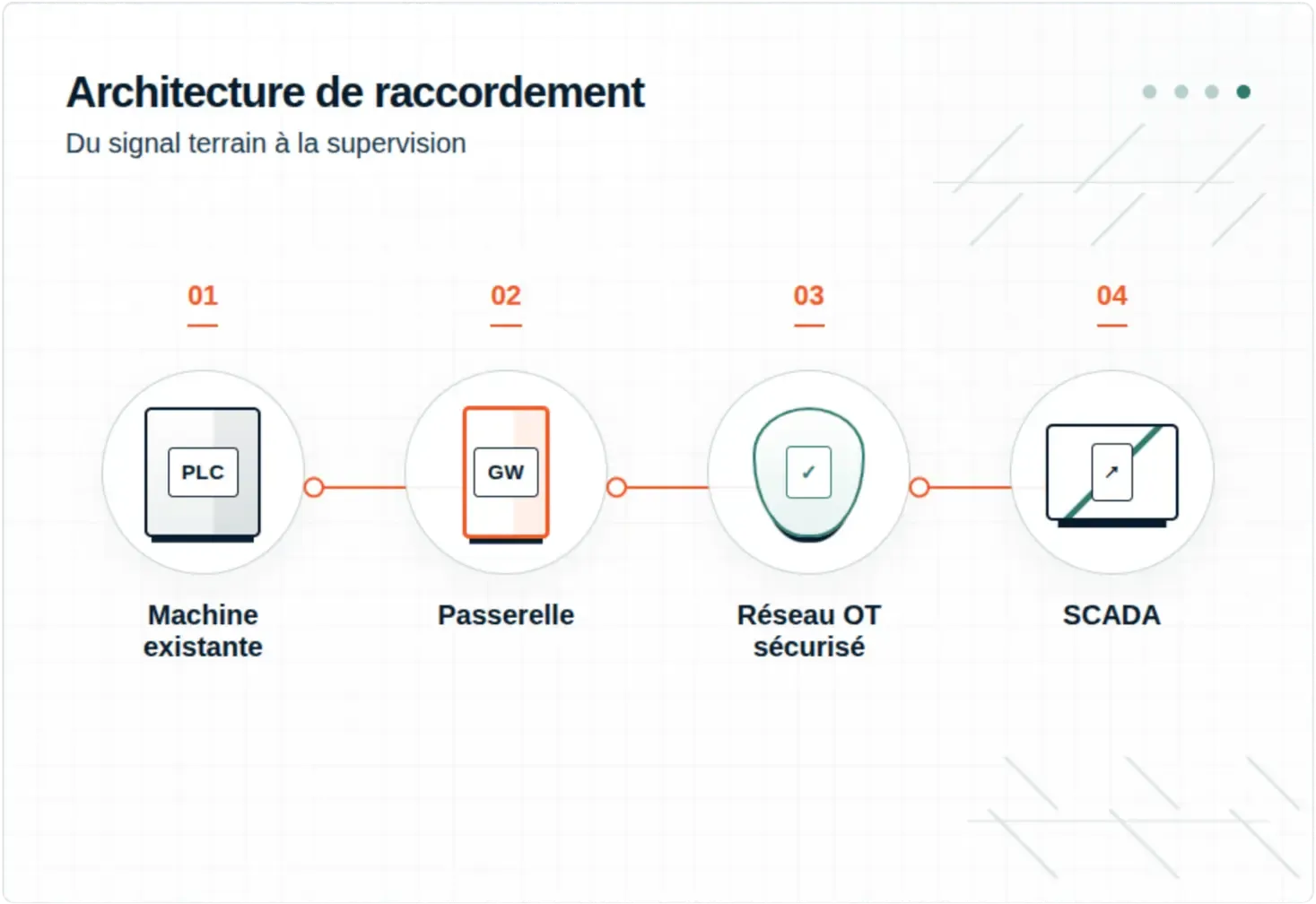
The short answer
Yes, if the machine still provides usable data
The project does not begin with the choice of a gateway. It starts with the identification of what the machine can actually emit and what the SCADA can actually receive.
- A documented protocol: direct conversion possible.
- Proprietary frames: specific driver or development to be expected.
- Only electrical signals: acquisition via remote I/O.
- No accessible output: independent sensors or targeted replacement.
An old machine should never be connected directly to the IT/OT network or the Internet without securing, segmenting, or filtering.
The field method
Connect the existing in 5 steps, without disrupting production
The objective is to reduce technical risk before installation: observe, validate on the bench, start in read-only mode, and document each exchange.
Inventory the machine and the need
Identify the reference of the controller, the communication cards, the connectors, the software versions, and the network parameters. Define the expected variables, their frequency, their unit, and the direction of the exchange: read-only or command.
Deliverable: interface sheet
Identify the protocol and its openness
Check the manuals, register tables, GSD/EDS files, and backups. For a serial connection, check the pinout, voltage level, throughput, parity, and addressing. Never perform random write tests on the machine.
Deliverable: data matrix
Choose the right conversion layer
Series server for transporting frames, gateway for converting a protocol, I/O module for digitizing signals, or Edge PC when a driver, complex mapping, local historization, or specific processing is needed.
Deliverable: target architecture
Normalize data for SCADA
Assign a stable name, a unit, a scale, a timestamp, a quality, and a fallback rule to each tag. Separate raw data, calculated data, alarms, and commands. Validate the available driver on the SCADA side before deployment.
Deliverable: tag plan
Secure, test and predict the backlog return
Segment the OT network, allowing only useful flows, back up configurations, and test link loss. Start in read-only mode, qualify performance outside of production, then carry out a validation with maintenance and automation.
Deliverable: validation report
Architecture choice
Four solutions that do not meet the same need
Transport
Series Server
Makes an RS-232/422/485 port accessible over Ethernet. It transports the frames but does not necessarily translate them.
To choose if the SCADA already has the right driver.
Conversion
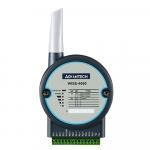
Protocol Gateway
Interpret a source protocol and remap its data to Modbus TCP, OPC UA, or another industrial network.
To choose for a deterministic and maintainable conversion.
Acquisition
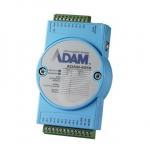
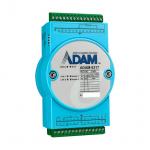
Remote I/O Module
Numericize the states, impulses, or analog measurements when no actionable protocol is available.
To choose to observe without touching the automaton.
Processing
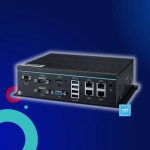
Industrial Edge PC
Hosts drivers, conversions, queues, calculations, and developments specific to the machine as closely as possible.
To choose for complex or evolving cases.



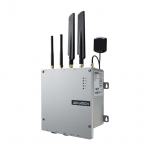
Decision Matrix
What solution according to the available interface?
This grid directs the diagnosis. The exact reference of the equipment and the protocol documentation remain essential to confirm feasibility.
| Interface disponible | Exemples | Solution habituelle | Points à vérifier |
|---|---|---|---|
| RS-232, RS-422 ou RS-485 | Modbus RTU/ASCII, DF1, trames ASCII ou protocole constructeur | Serveur série si le SCADA sait déjà interpréter le protocole ; passerelle ou logiciel Edge s’il faut le convertir. | Brochage, débit, parité, adresse, rôle client/serveur et table des registres. |
| Entrées/sorties physiques | TOR, impulsions, 0–10 V, 4–20 mA, thermocouple, RTD | Module d’acquisition ou E/S déportées publiant les mesures en Modbus TCP, OPC UA ou MQTT. | Plages, précision, isolation, fréquence d’acquisition et mise à l’échelle. |
| Bus de terrain | PROFIBUS, CANopen, DeviceNet, Modbus Plus | Passerelle multiprotocole ou carte de communication compatible avec les deux réseaux. | Rôle attendu sur chaque réseau, fichiers de configuration et temps de cycle. |
| Ethernet industriel ancien | EtherNet/IP, PROFINET, protocoles TCP/UDP propriétaires | Passerelle temps réel, PC industriel Edge ou pilote logiciel vers le protocole accepté par le SCADA. | Version du protocole, adressage, équipements actifs et flux autorisés. |
| Aucune communication exploitable | Machine autonome, automate verrouillé ou documentation introuvable | Ajouter des capteurs ou récupérer des états électriques sans modifier la logique de commande. | Données réellement observables, contraintes mécaniques et niveau de précision attendu. |
Point of attention: Modbus TCP, OPC UA, and MQTT are not interchangeable. The first mainly exposes registers, the second structures and secures the information, the third efficiently publishes messages to data platforms.
Concrete cases
Three common modernization scenarios
Examples of typical architectures to adapt to the process, the network, and the criticality of each installation.
Modbus RTU Automation over RS-485
A Modbus RTU/TCP gateway queries the documented registers. The SCADA keeps its Modbus TCP driver and retrieves states, counters, and measurements without modifying the automation program.
Priority: check the logs table. Recommended start: read-only.
Machine with proprietary serial protocol
A serial server transports the frames to an Edge PC. A software service decodes them, checks their consistency, and publishes standardized tags to the SCADA.
Priority: obtain the documentation or the machine for testing. Plan for maintenance of the software connector.
No digital data available
Input/Output modules retrieve the signals for operation, fault, counting, or analog measurement. Standalone sensors can supplement the information without interfering with the control.
Priority: electrically isolate the acquisition. The richness of the data depends on the accessible signals.
What causes a project to fail
The six mistakes to avoid
Choisir une passerelle avant d’avoir identifié le protocole et le rôle des équipements.
02
Confondre transport des trames et conversion réelle des données.
03
Sous-estimer l’absence de documentation, de sauvegarde automate ou de machine de test.
04
Écrire dans l’automate avant d’avoir validé les risques fonctionnels et de sécurité.
05
Connecter une machine ancienne à un réseau plat sans filtrage des flux OT.
06
Oublier la qualité, l’horodatage, la perte de communication et le plan de retour arrière.
The Integral System approach
A single point of contact for the field, the bridge, and the software
Since 2003, Integral System has been supporting manufacturers in the selection and integration of IT equipment, networks, acquisition systems, and custom software. This dual expertise avoids dealing separately with the machine, the network, and the SCADA.
Expert Opinion
« The best retrofit project is not the one that adds the most technology. It is the one that captures the right data, without compromising the machine or making its maintenance more complex. »
Integral System Technical Team


Pre-technical diagnosis